

Connect an exchange
1
Create a read-only key
On the exchange, create an API key with the permissions in the table below.
2
Add the account
Select Add Account → your exchange.
3
Paste and connect
Paste the key fields. Select Connect Account.
Exchange by exchange
- Coinbase
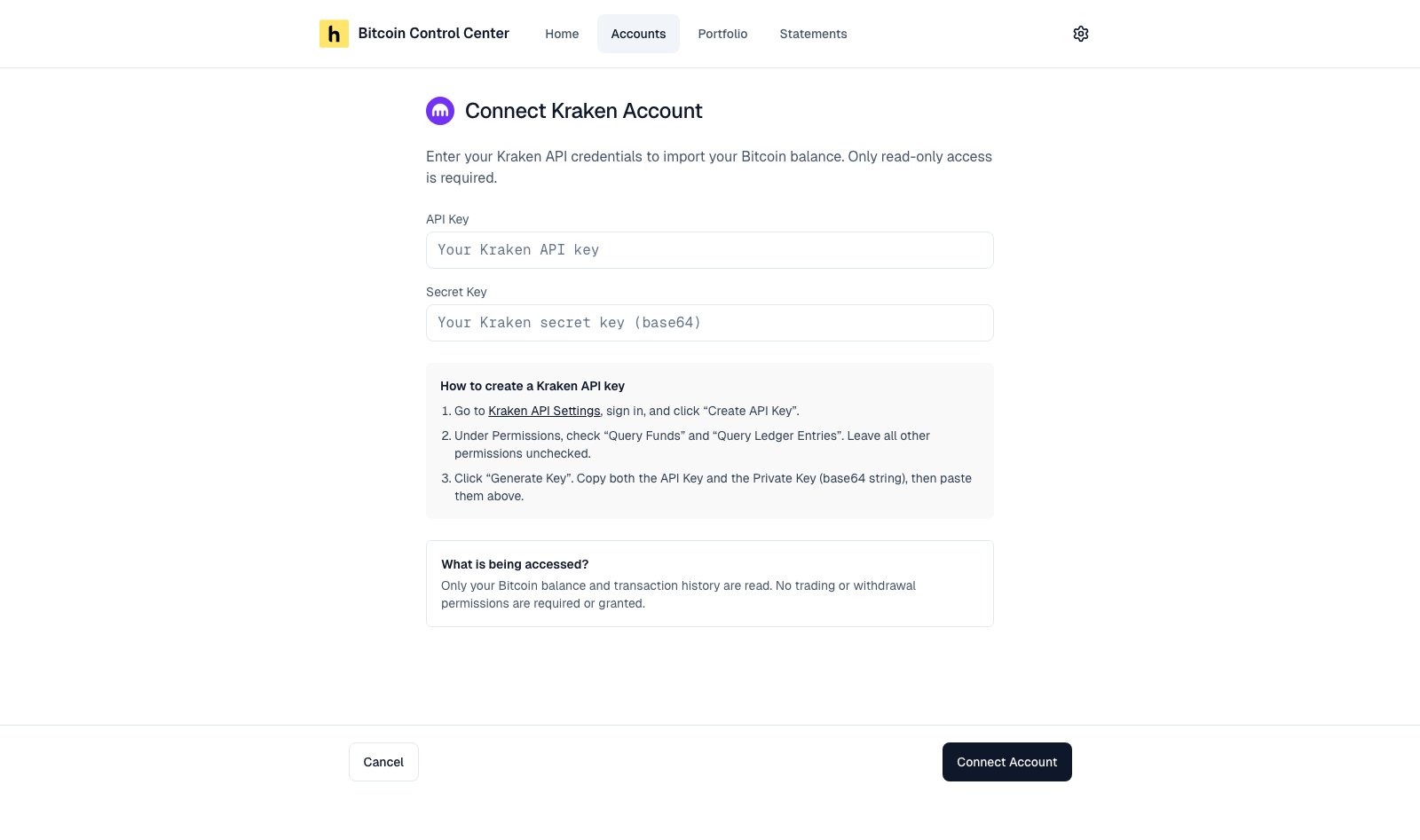
- Kraken
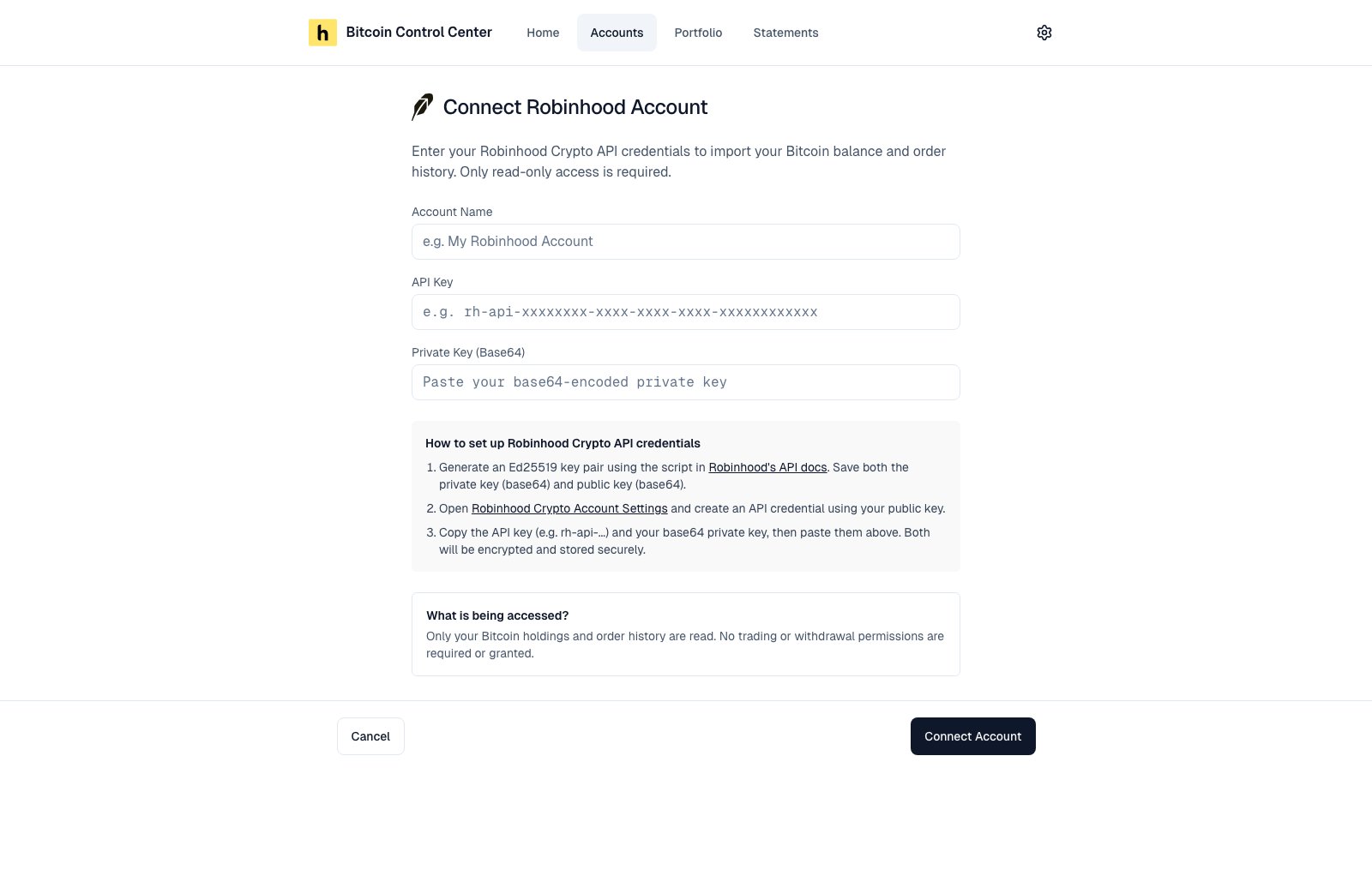
- Robinhood
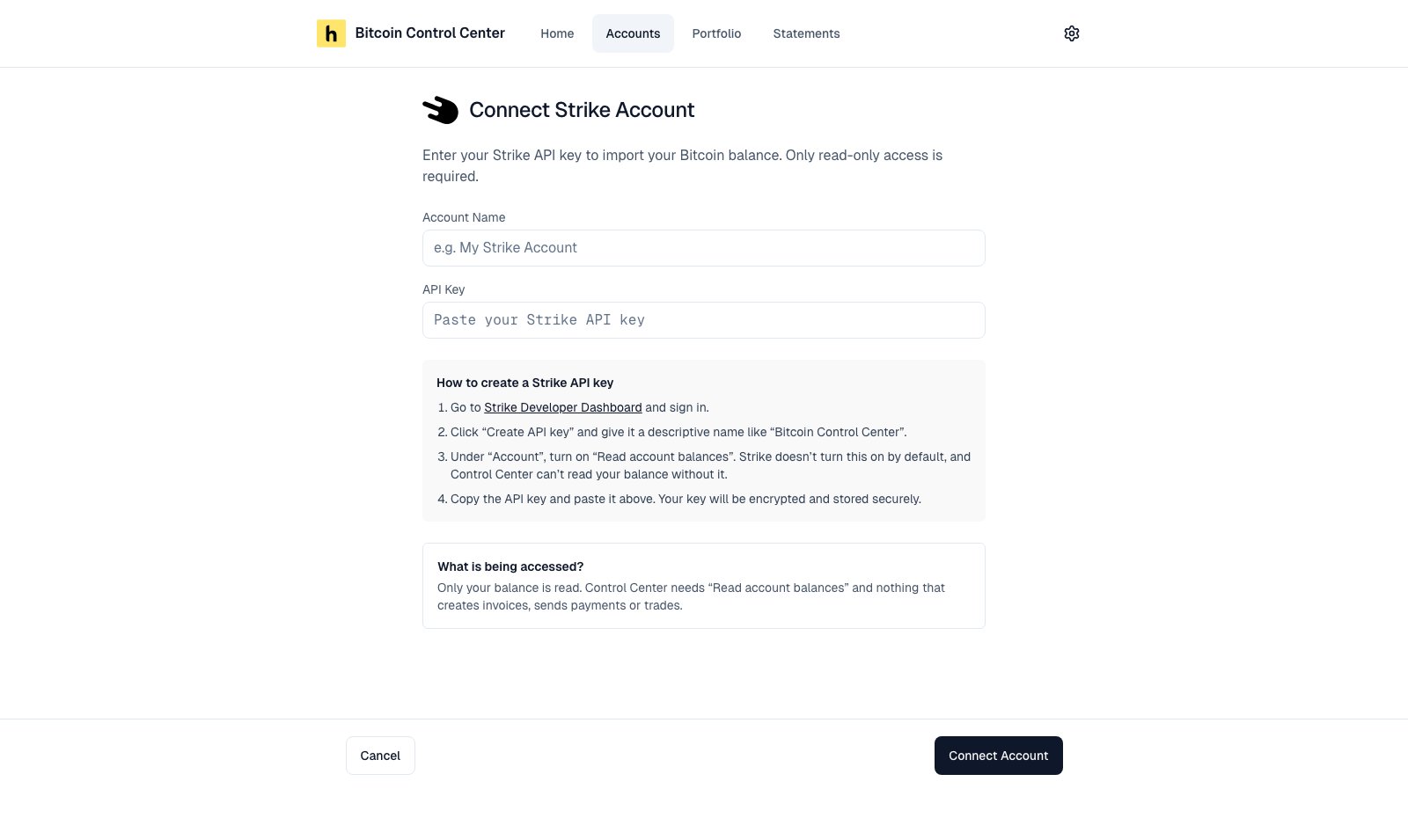
- Strike
- Select Create API Key. Name it, for example “Bitcoin Control Center”.
- Under Advanced, select ECDSA (Legacy SDKs). Control Center needs an ECDSA key.
- Under Permissions, check View (Read-Only) only.
- Select Create & Download. Paste the API Key Name, such as
organizations/…/apiKeys/…. - Paste the whole Private Key, from
-----BEGIN EC PRIVATE KEY-----to-----END EC PRIVATE KEY-----.
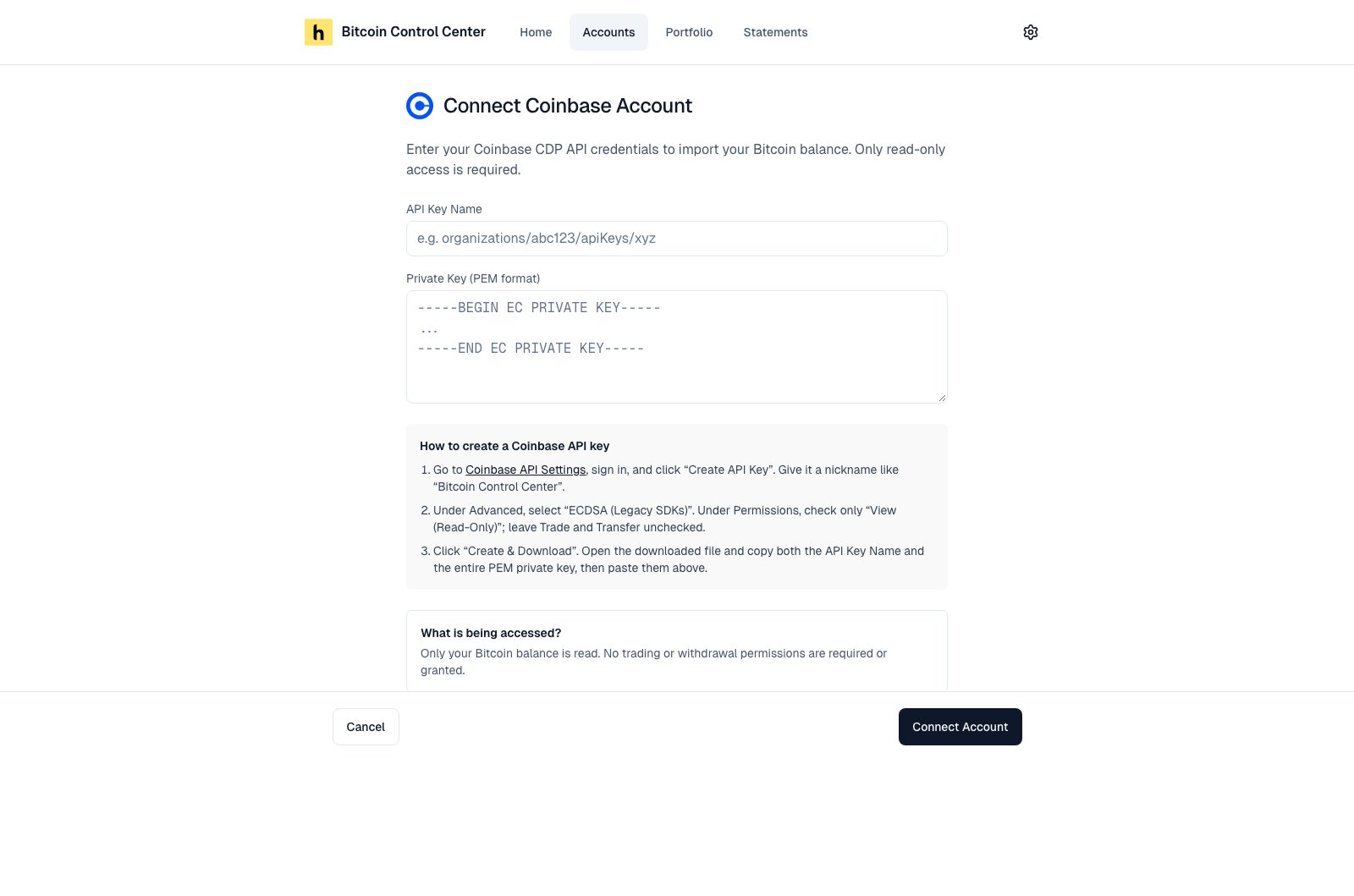
Coinbase fields and setup steps.
Keeping it up to date
- Balances refresh when you open Accounts or Portfolio, and in the background.
- To refresh now, open the account and select Refresh Balance.
Reconnect once a year
Exchange keys expire in Control Center after one year. The card then shows Reconnect, and the balance shows ”—”. It is left out of your totals. To fix it, create a new key. Open the account. Select Reconnect Account. Your history is kept. You also need to reconnect if you restore the database without its key file. See Backup and restore.Strike transaction history
Add Strike statements to show transaction detail.- In Strike, open Activity → Generate Report, or Documents → a statement → ⋯ → Export as CSV.
- In Control Center, open your Strike account.
- Drop the CSV under Account Statements.
Things to watch
- Connect each key once. Connecting the same exchange twice counts its balance twice.
- Exchanges are not on statements. Statements cover self-custody wallets only. Ask your exchange for its own statement.
- Exchange accounts can’t be renamed in Control Center.