

Signing a message cannot move funds. It is not a transaction. Nothing is broadcast to the Bitcoin network.
Why verify
Only want to track a wallet? You can leave it pending.
What you sign
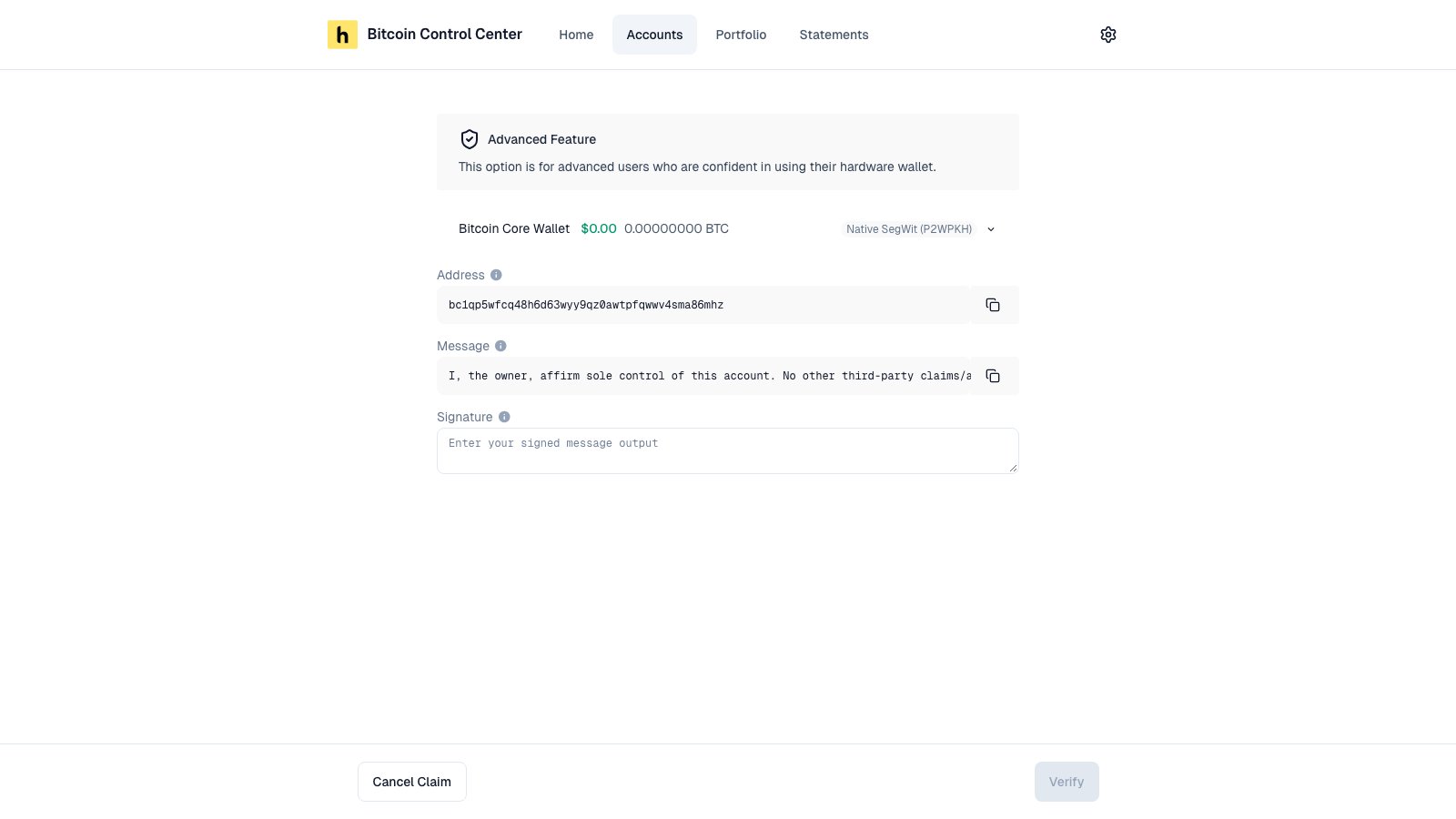
The message looks like this:ID is unique to your account. You sign with the wallet’s first receive address (path ending /0/0).
How to sign
You sign right after adding a wallet. To finish later, open the pending account and select Continue.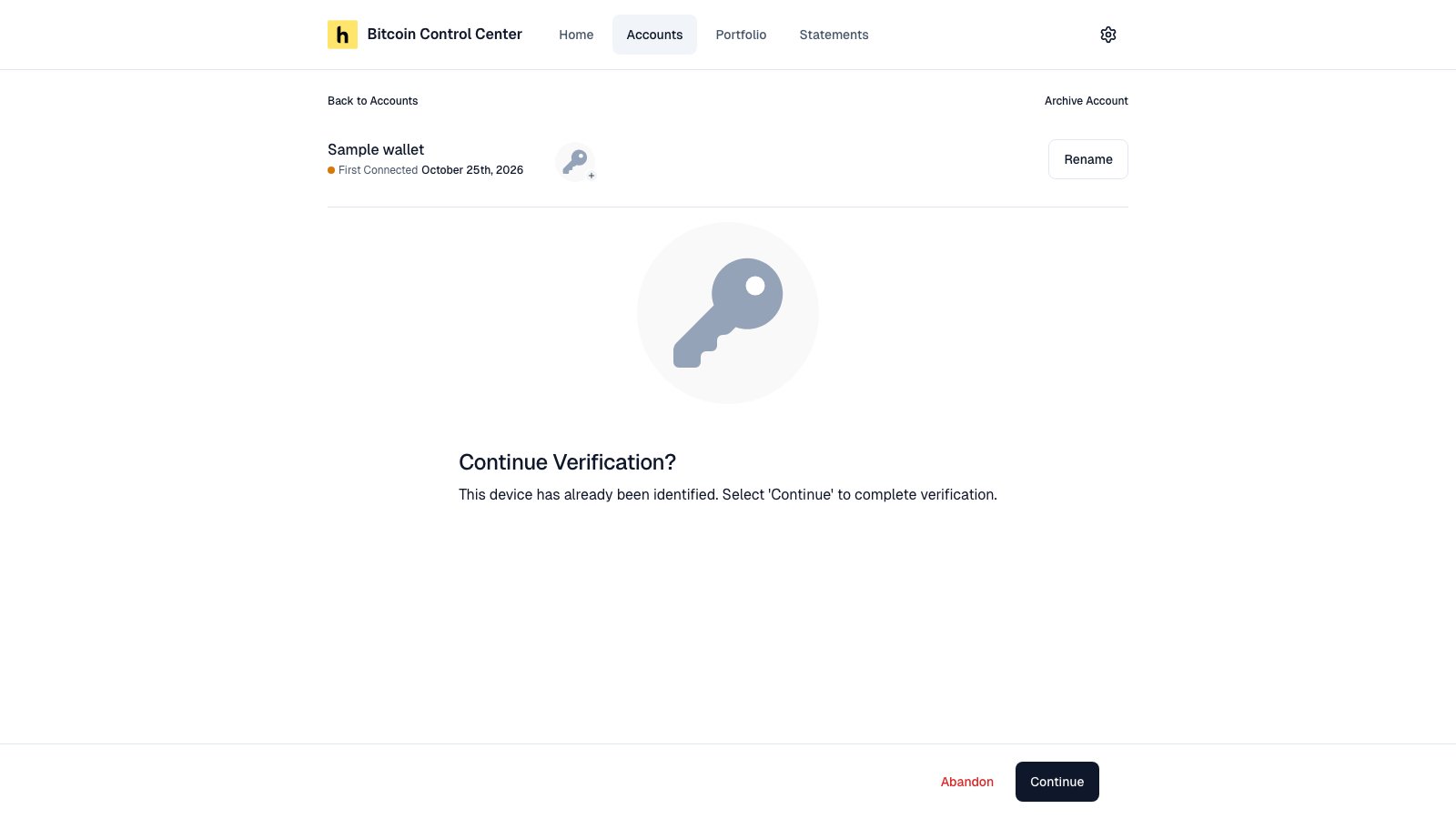
A pending account. Select Continue to sign.
- Ledger and Trezor
- COLDCARD (MicroSD)
- COLDCARD Q and Keystone
- xpub or descriptor
- Select Prove Control.
- Check the message and address on your device. Approve it.
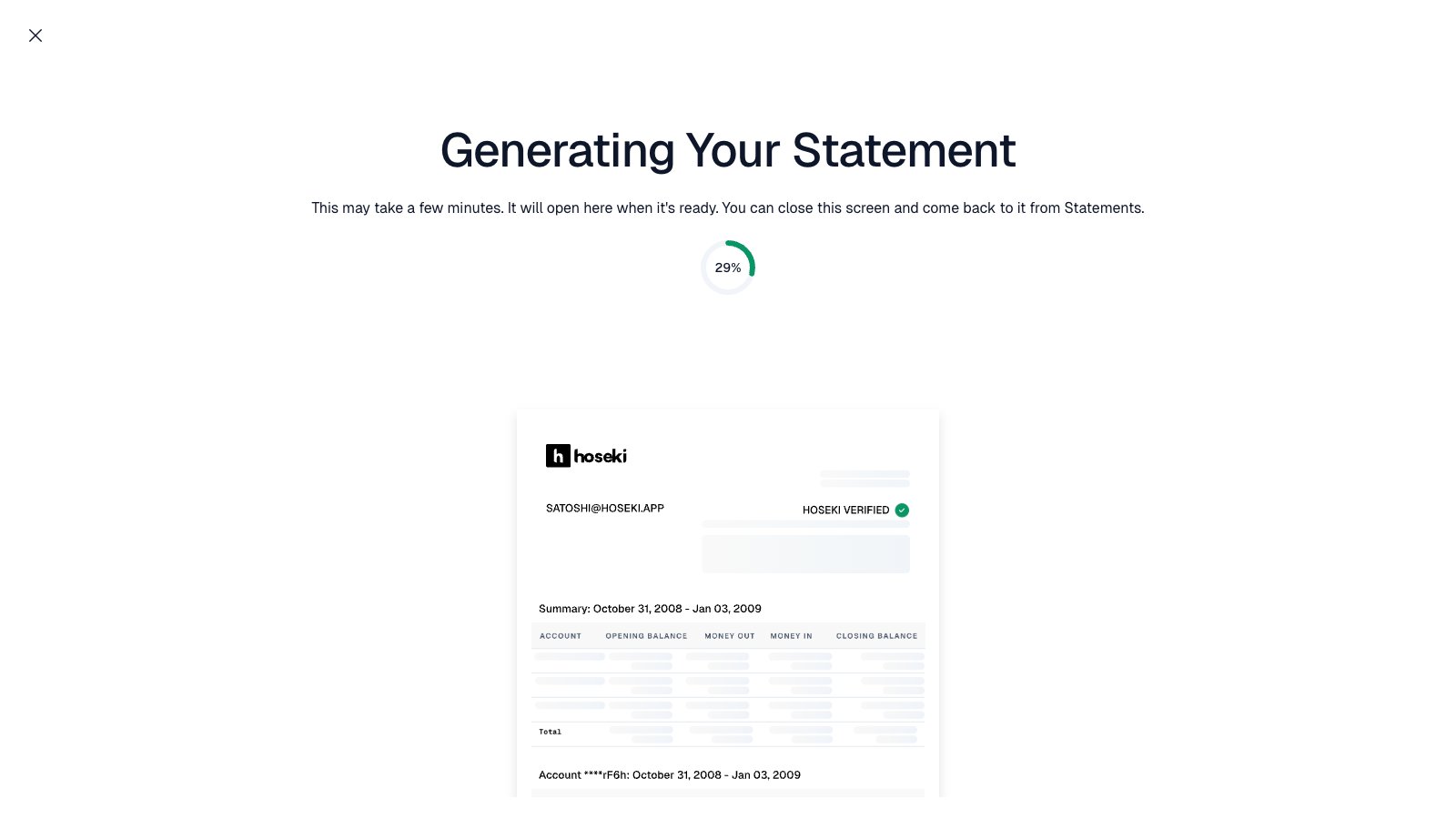
Sign on your device.
Good to know
- Verification does not expire. You sign once per wallet.
- The message says “the owner”. It does not include your name. Your name on statements comes from Settings.
- Multisig needs a signature from enough keys to meet your quorum. See Multisig.
- Stuck waiting for the device? After 20 seconds, a link appears to reset the step.