

Your data stays during updates. Back up first anyway.
Desktop update notice
The desktop app checks for a new version at launch and about once a day. When one exists, a notice appears at the bottom of the window.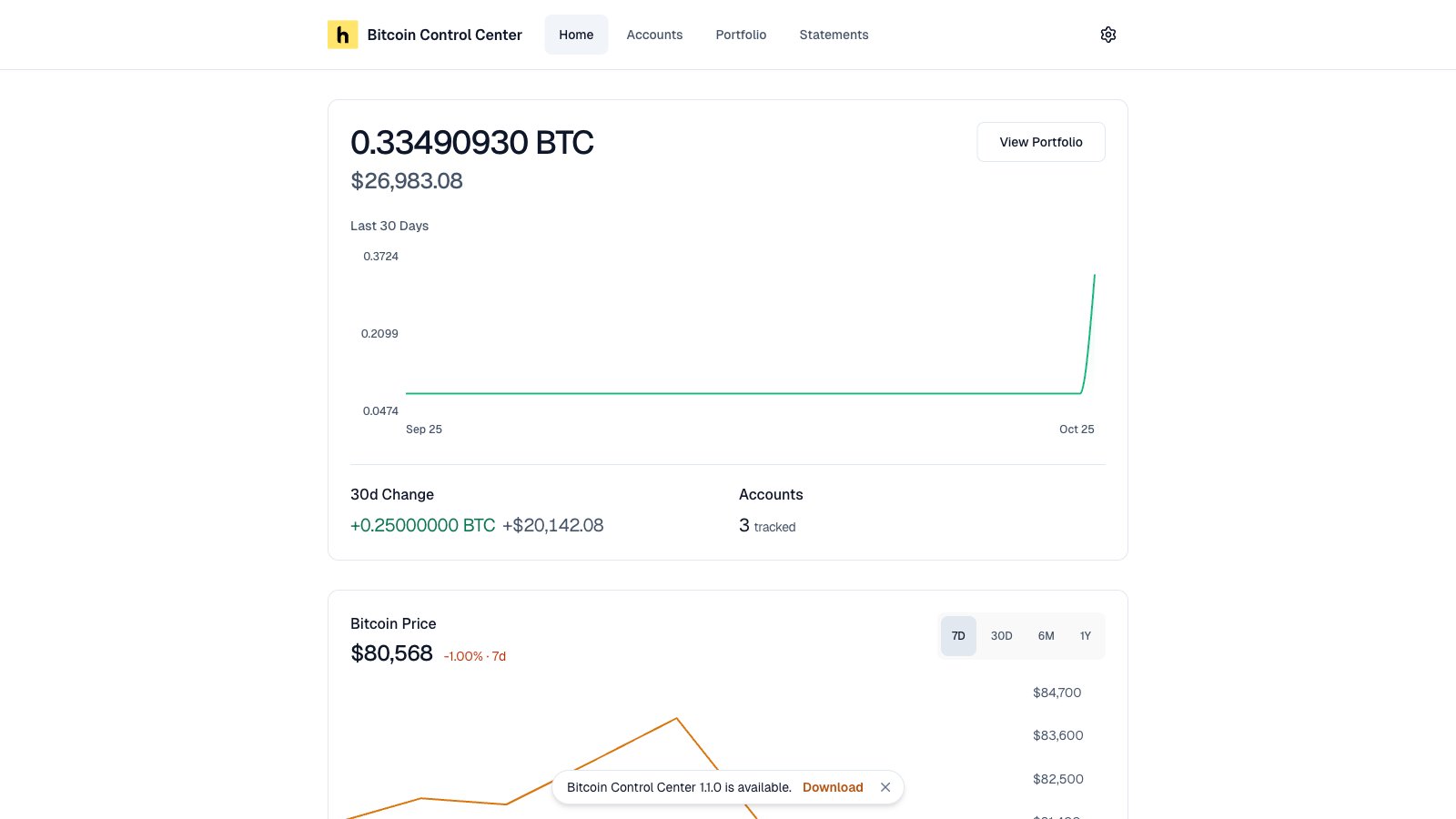
The update notice.
- Download opens bitcoincontrolcenter.com in your browser.
- Dismiss hides the notice until you restart the app.
Update the desktop app
- Quit fully. Use Quit in the tray menu, not just the window’s close button.
- Run the new installer.
- Open the app. Enter your PIN.
A statement that is generating when the app quits will fail. Generate it again after the update.