

Find it
Select Add Account. Scroll down. Open Manually Verify Your Self-Custodial Bitcoin Holdings. Select Verify with Manual Signing.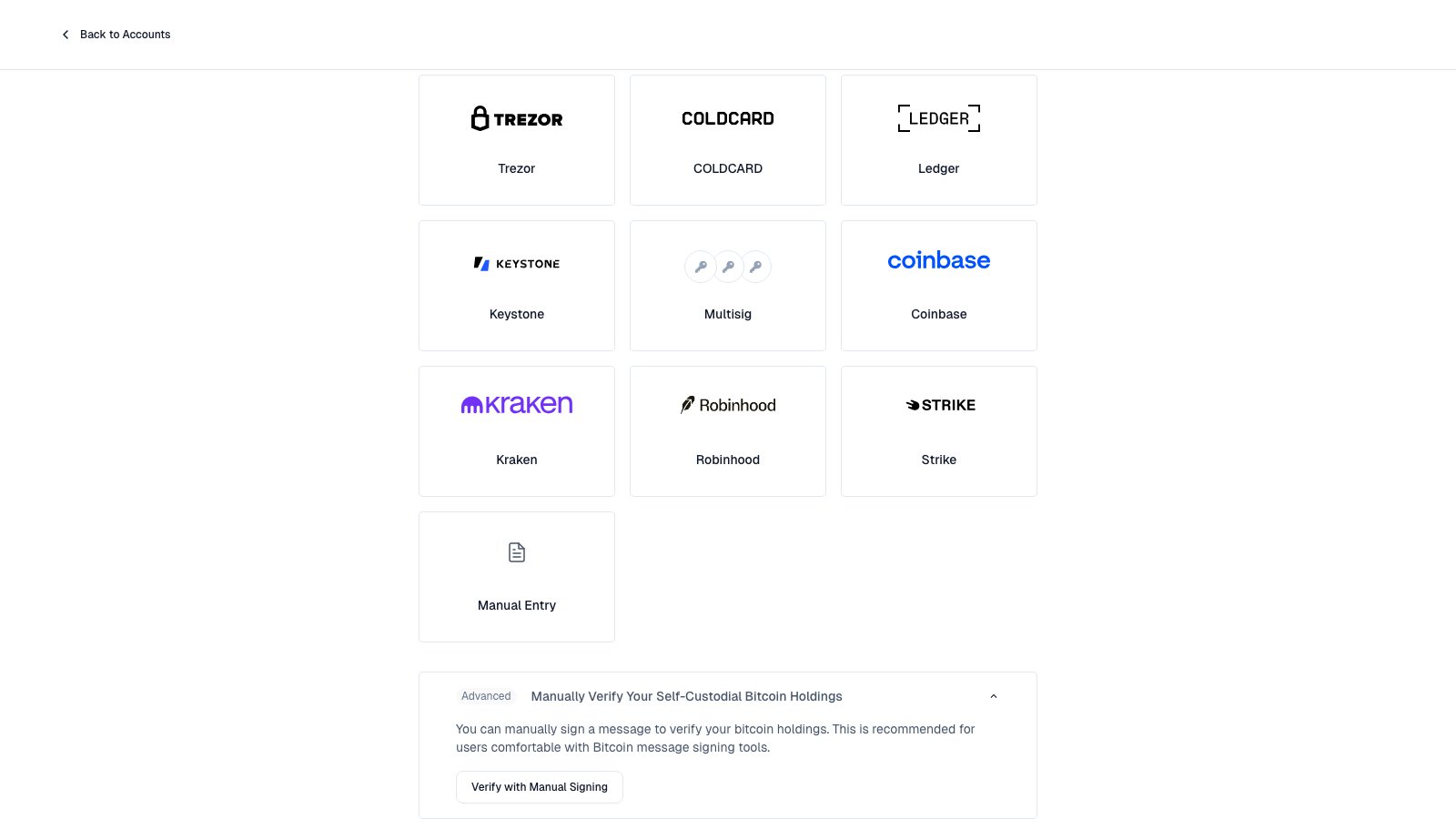
The Advanced option is below the account tiles.
Add the wallet
- Enter a Display name.
- Paste an account descriptor or extended public key.
- If you pasted an
xpub, pick the script type. - Select Add Account.
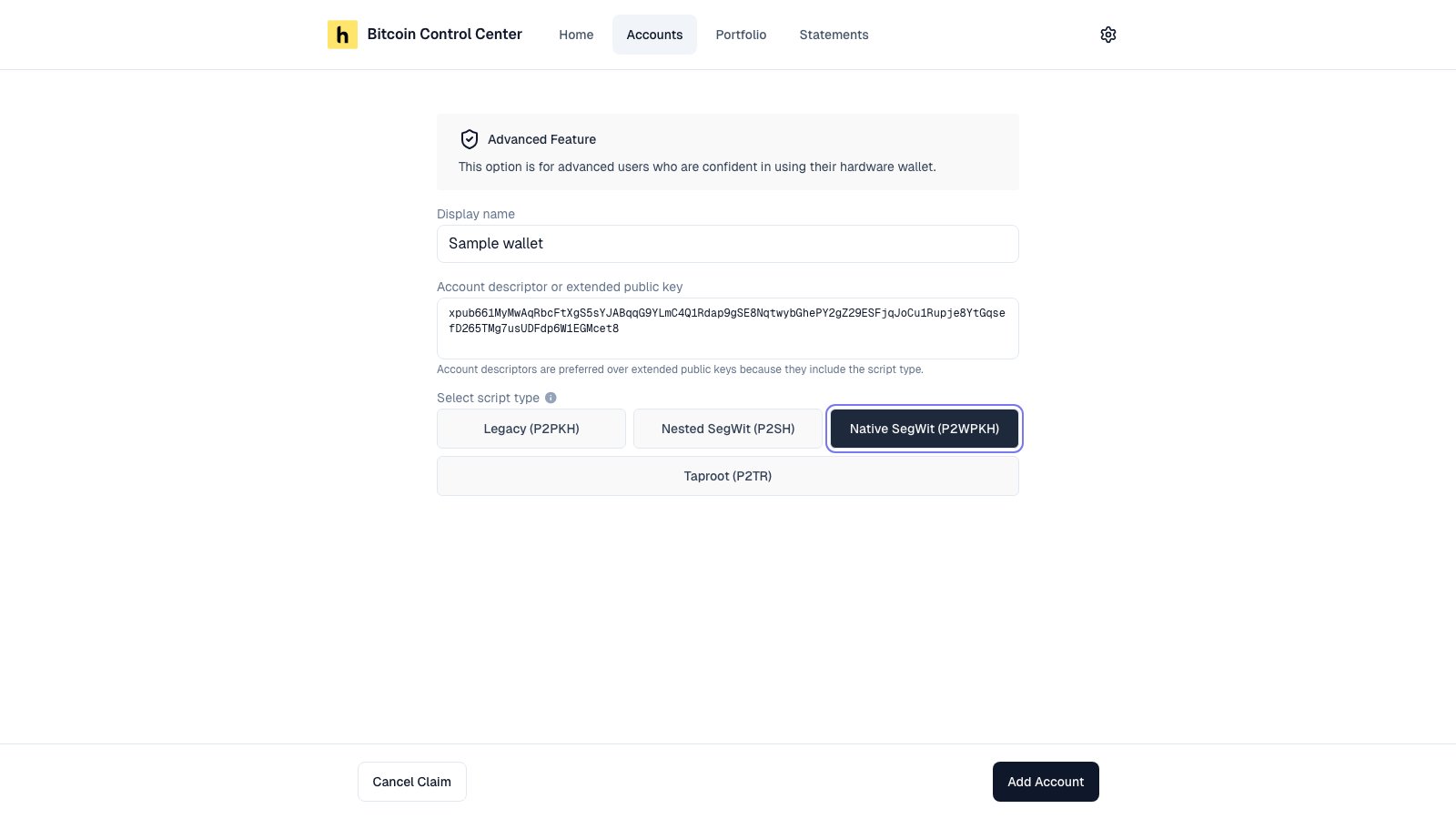
Paste a descriptor or xpub. Pick the script type for an xpub.
What you can paste
Which script type?
Match the start of your receive addresses.
Balance is zero? You probably picked the wrong type. Go back and change it.
Verify it
- Copy the Address and Message.
- Sign the message with that address in your wallet software. In Sparrow and Electrum, use Sign/Verify Message.
- Paste the signature. Select Verify.
Limits
- Single-signature only. For multisig, see Multisig.
- Mainnet only on packaged apps.
- Never paste an
xprvor a seed phrase. Control Center only needs public keys.