The menu runs across the top of every page.

Home

Your total in BTC and USD, your 30-day change, and the Bitcoin price.
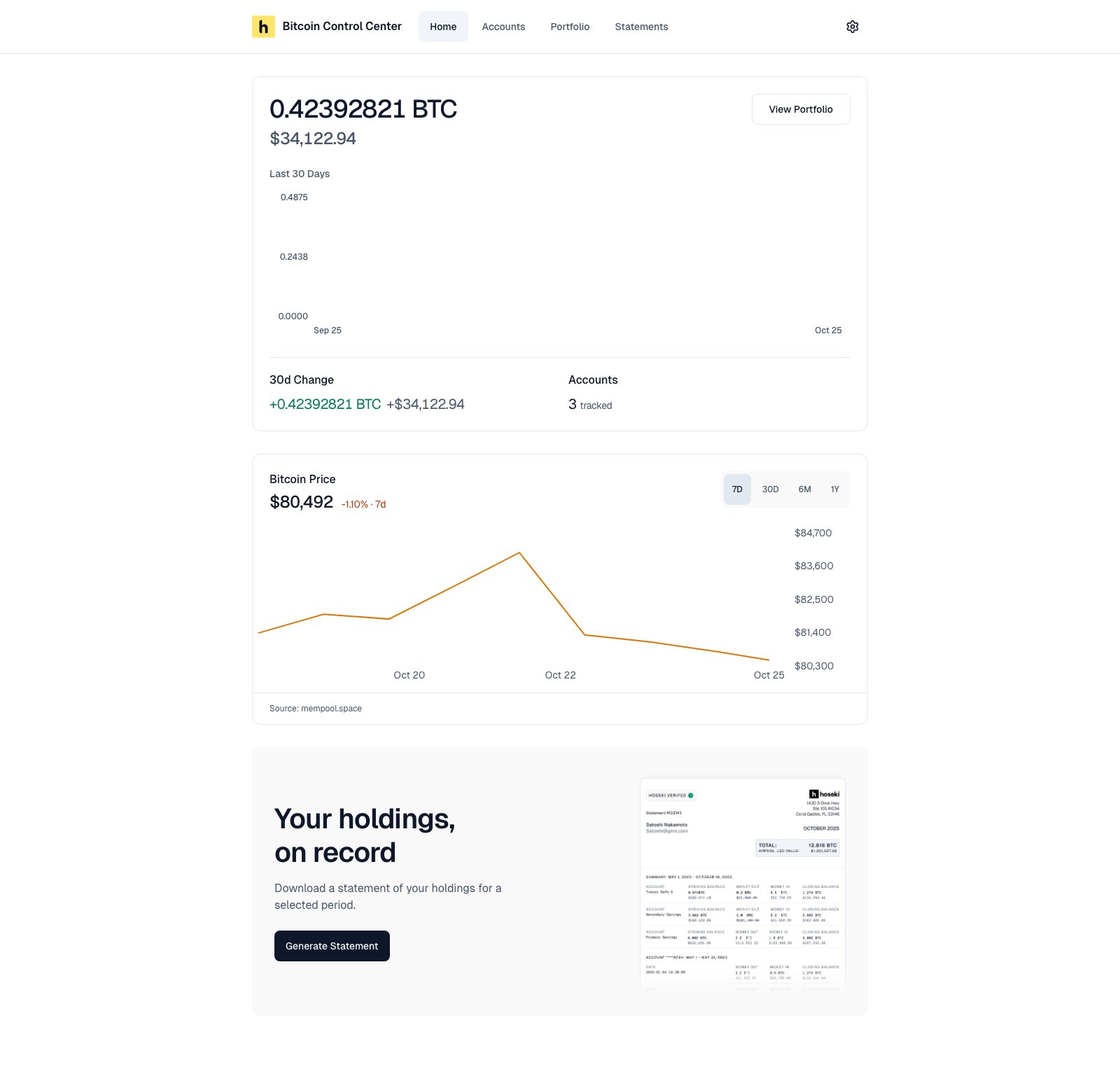
Home page showing total balance, 30-day chart, 30d change, accounts count, Bitcoin price chart, and statements banner

Home with two accounts.

  • 30d Change: your total today minus your total 30 days ago.
  • Bitcoin Price: USD only. Choose 7D, 30D, 6M, or 1Y.
  • Recent Statements: your last three statements.
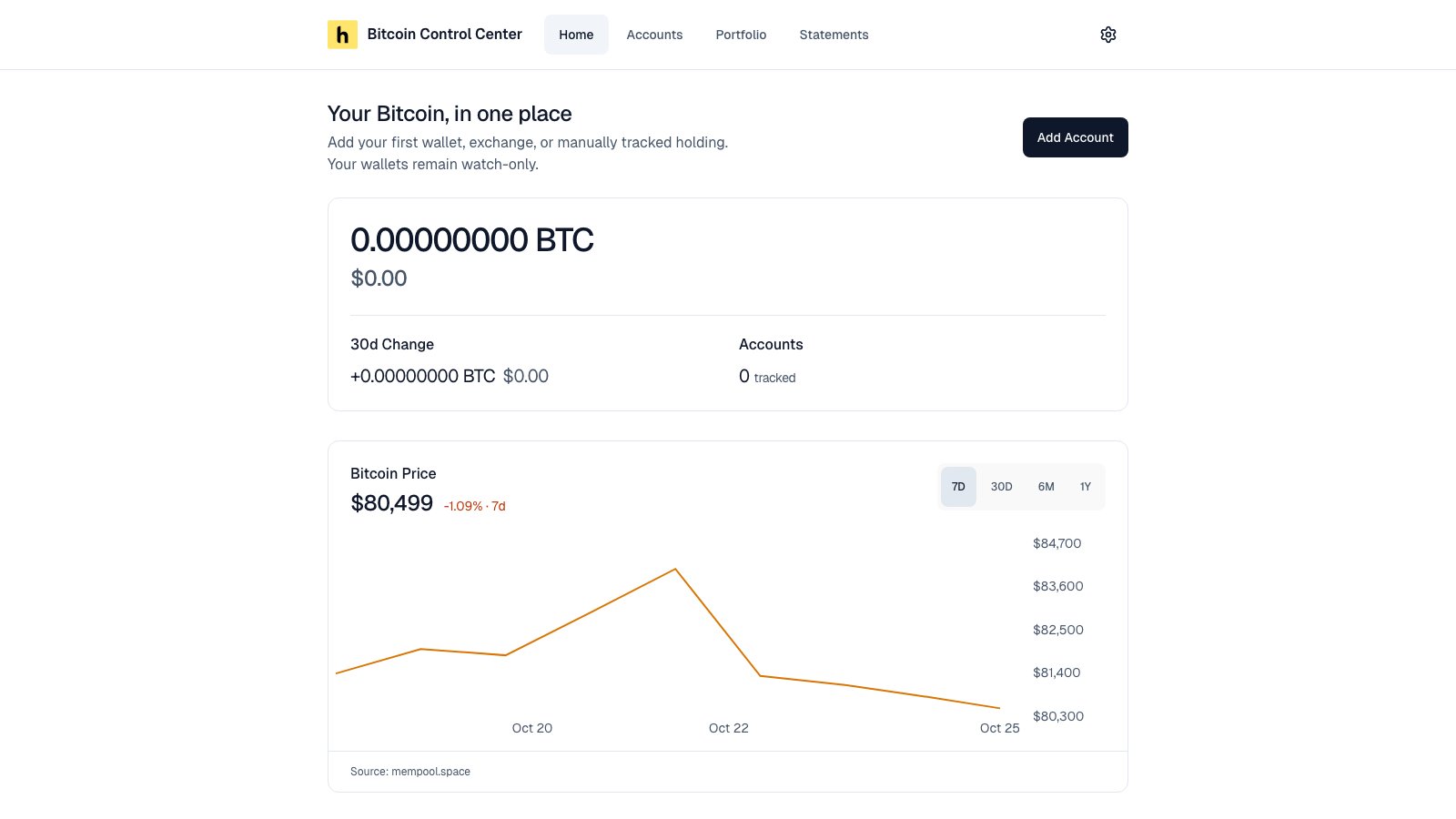
Before you add accounts, Home shows a zero balance and an Add Account button.
Empty Home page with a zero balance, an Add Account button, and the Bitcoin price chart

Home before you add an account.

Accounts

Every account you track, with its balance and share of your total.
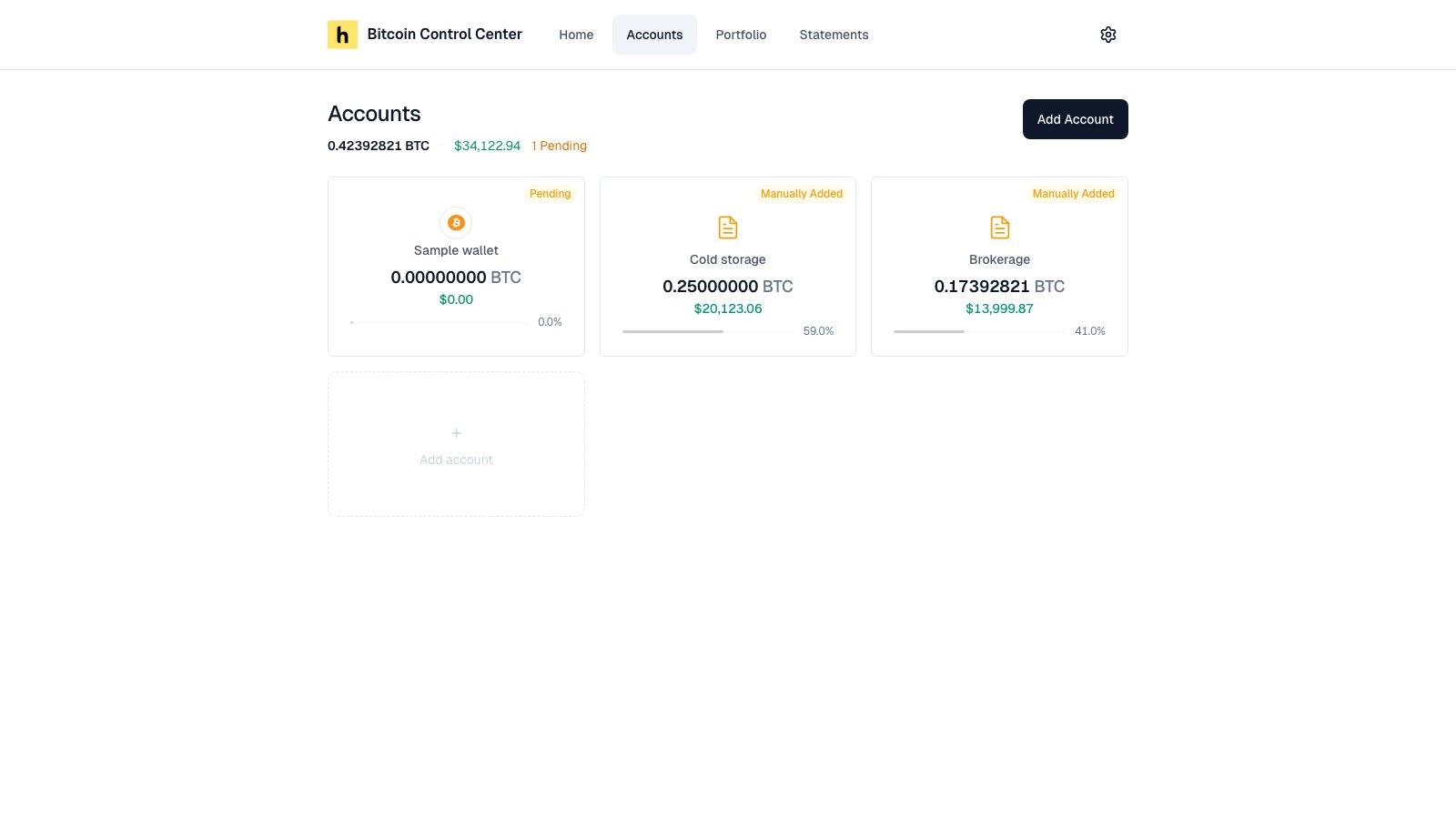
Accounts page with two Manually Added cards and an Add account card

Accounts. Badges show each account's status.

See How accounts work for what each badge means.

Portfolio

Your balance over time. Filter by account. Pick a date range.
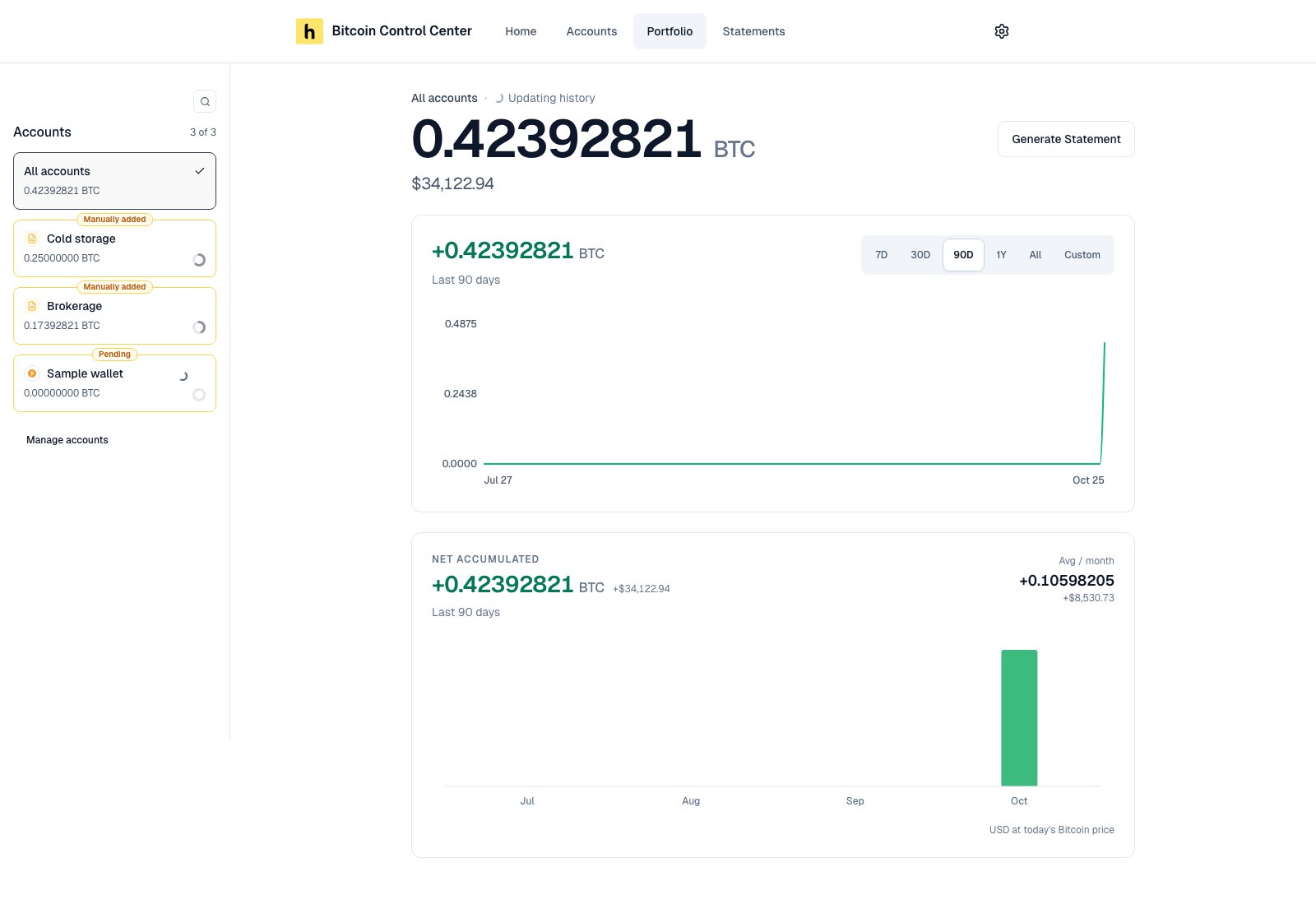
Portfolio page with an account filter, total balance, Synced status, balance chart, and Net accumulated card

Portfolio. The left column filters every number on the page.

See Home and Portfolio for what each number means.

Statements

Your saved statements. Select Generate Statement to make a new one. See Statements.

Settings

Your name, PIN, price source, and (on desktop) Electrum server. See Settings.